Listing workflow
Vehicle listing
Review vehicle details, media and channel settings
Vehicle images
Listing details
Advert settings
Channel selection
One platform to manage inventory, supported advertising channels, capture leads, and grow your dealership. All beautifully connected.
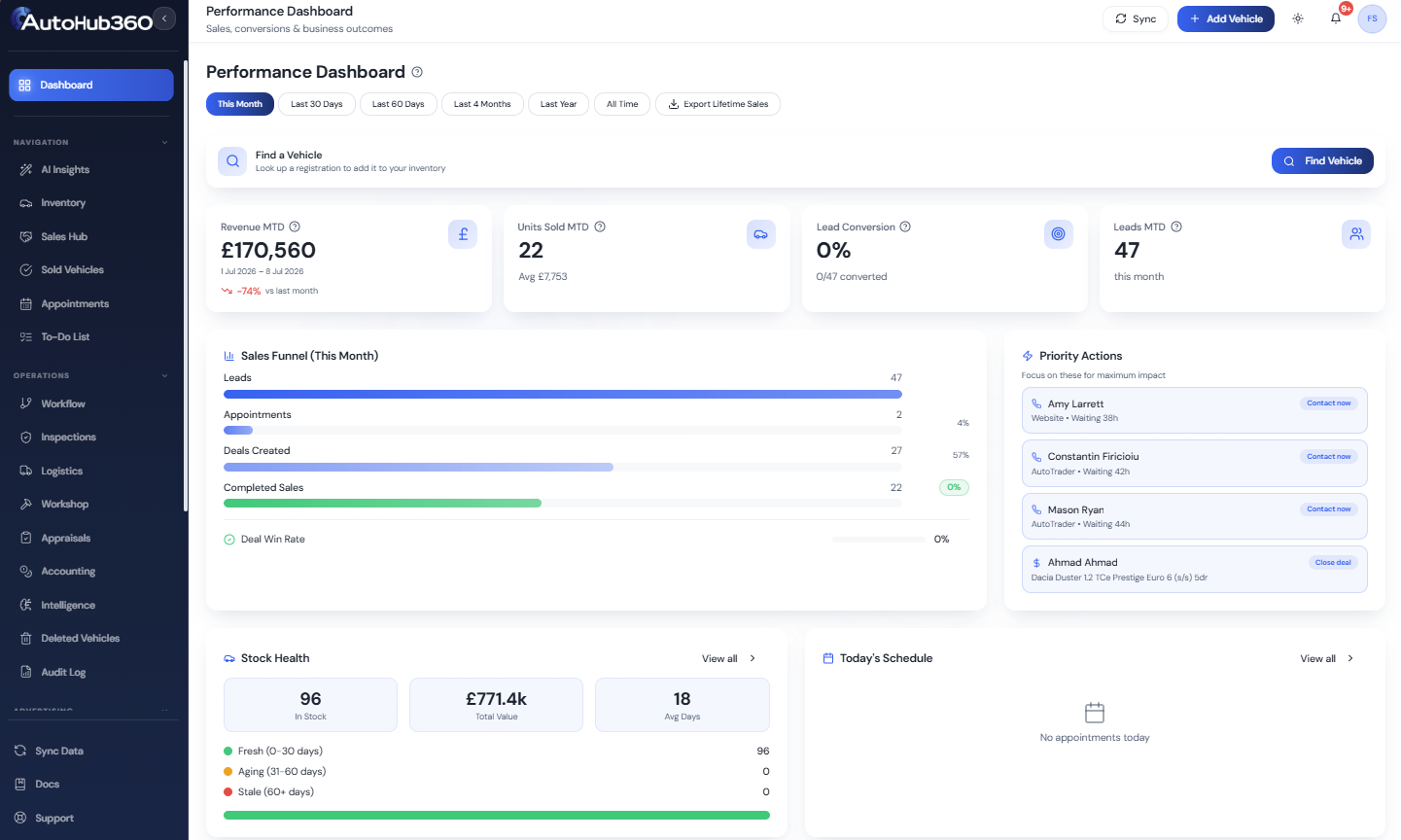
Product Tour
Follow a guided tour of our dealer management software and see how UK dealerships manage stock, advertise vehicles, capture enquiries, close deals and track performance from one platform.
Product preview
Inventory management
Vehicle record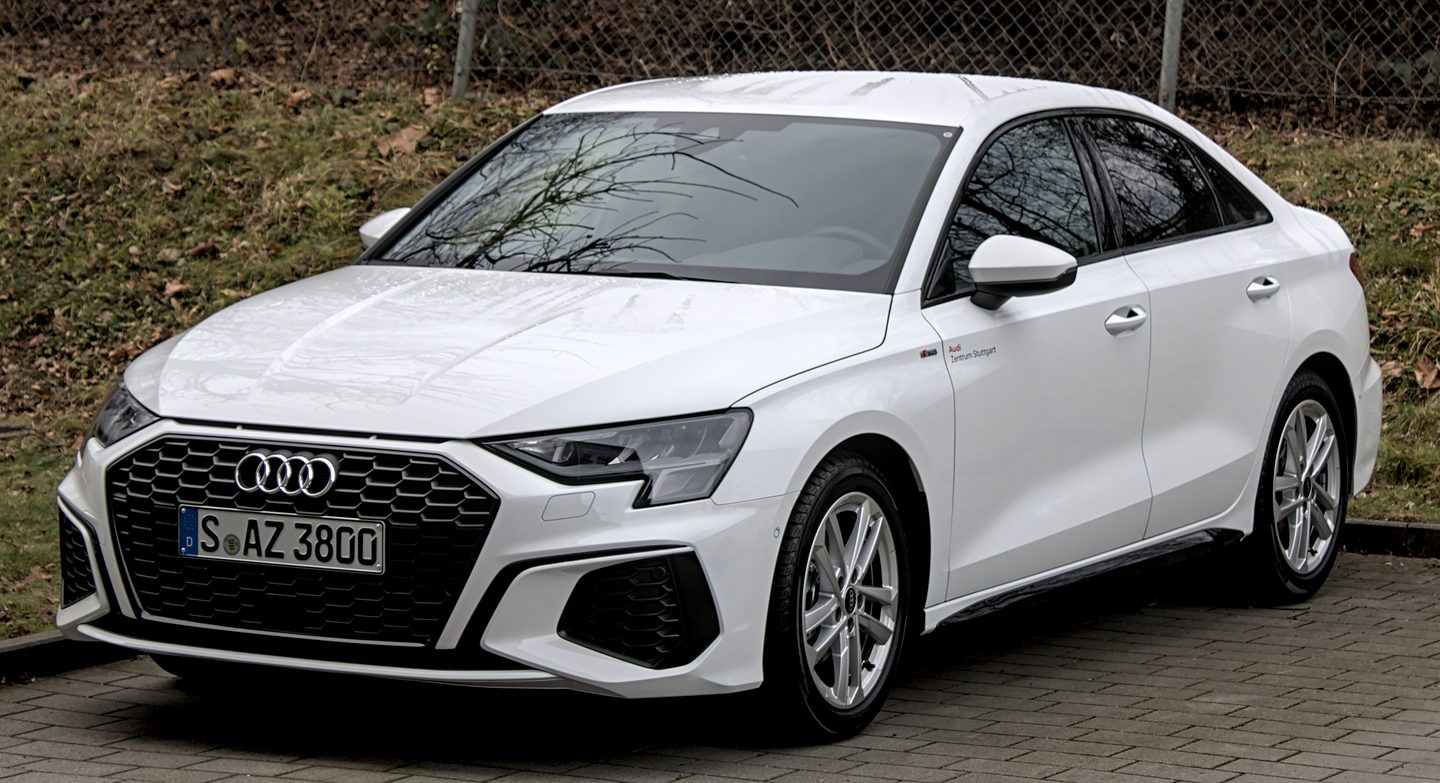 Vehicle record
 Vehicle record
How AutoHub360 works
One connected workflow for UK car dealerships.
Advertising Channels
AutoHub360 supports stock connections for Auto Trader, CarGurus, AA Cars and dealer websites. Other advertising channels depend on the provider and the setup agreed for each dealership.
Listing workflowReview vehicle details, media and channel settings
Advertising channel
Advertising channel
Advertising channel
Vehicle listings
Your dealership site
Available on demand
Manage supported marketplace and website connections from one place.
Update a vehicle in AutoHub360 and send supported changes to connected listings.
Manage stock and advertising workflows from one connected platform.
Appointment Management
AutoHub360 connects appointments with the customer, vehicle and responsible team member, giving UK dealerships one place to schedule work and manage what happens next.
Viewing, collection and repair bookings
Mon
12Tue
13Wed
14Thu
15Fri
16Vehicle viewing
Repairs
Collection
Create an appointment from an eligible enquiry and keep the customer and vehicle connection.
Assign the booking to a dealership team member and filter the calendar to relevant work.
Move or resize appointments in the calendar and keep the updated time visible to the team.
Use available confirmation actions and manage pending, confirmed, completed or cancelled states.
Dealer Invoicing Technology
AutoHub360 connects sale, customer and vehicle information with branded invoice generation, flexible templates, document exports and electronic signatures.
INVOICE
Illustrative preview
From
Your dealership
Company and contact details
Invoice details
Generated at sale
Invoice number · Sale date
Bill to
Customer record
Contact and address details
Vehicle
Vehicle record
Registration · Mileage
Dealer signature
Customer signature
Dealership terms and document footer appear here.
Apply company details, logo, accent colour, bank information and your own invoice terms.
Generate professional PDF documents and native Word exports from selectable templates.
Upload an existing PDF, Word, image or HTML design for a dealership-specific invoice style.
Support dealer and customer signatures, then retain the final signed invoice document.
Preview the document, request the required signatures and retain the final invoice when the workflow completes.
Bring stock, enquiries, deals and operational workflows together in one dealership platform.